
Request a TestFlight invitation
Paperback 0.9 is currently distributed through an invite-only TestFlight.
- Join the official Paperback Discord.
- Become an active Patreon supporter or boost the Discord server.
- Connect Discord in your Patreon app settings.
- Use Request TestFlight invitation in the
📨・testflightDiscord channel.
Your email remains private. Prefer a walkthrough? Watch the Paperback 0.9 TestFlight guide.
Device Support (0.9)
The latest Paperback version (v0.9) supports:
- iPhones running iOS 15.4 or later
- iPads running iPadOS 15.4 or later
- Macs running macOS 15.0 or later (Intel-based Macs are not supported)
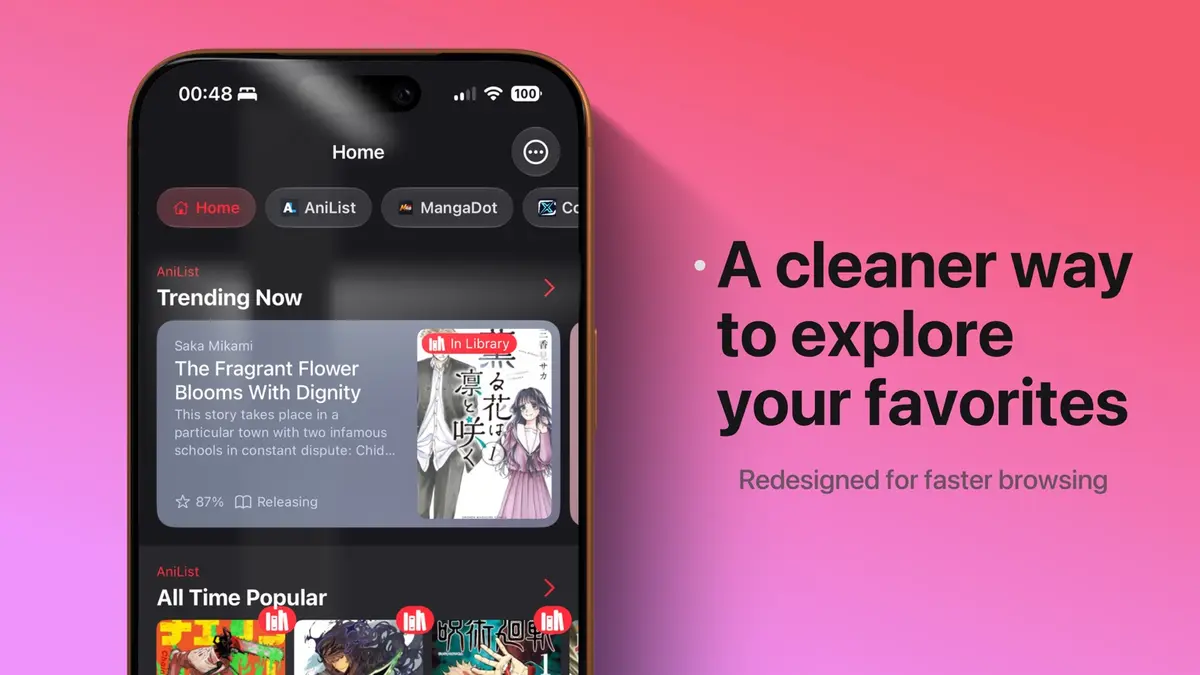
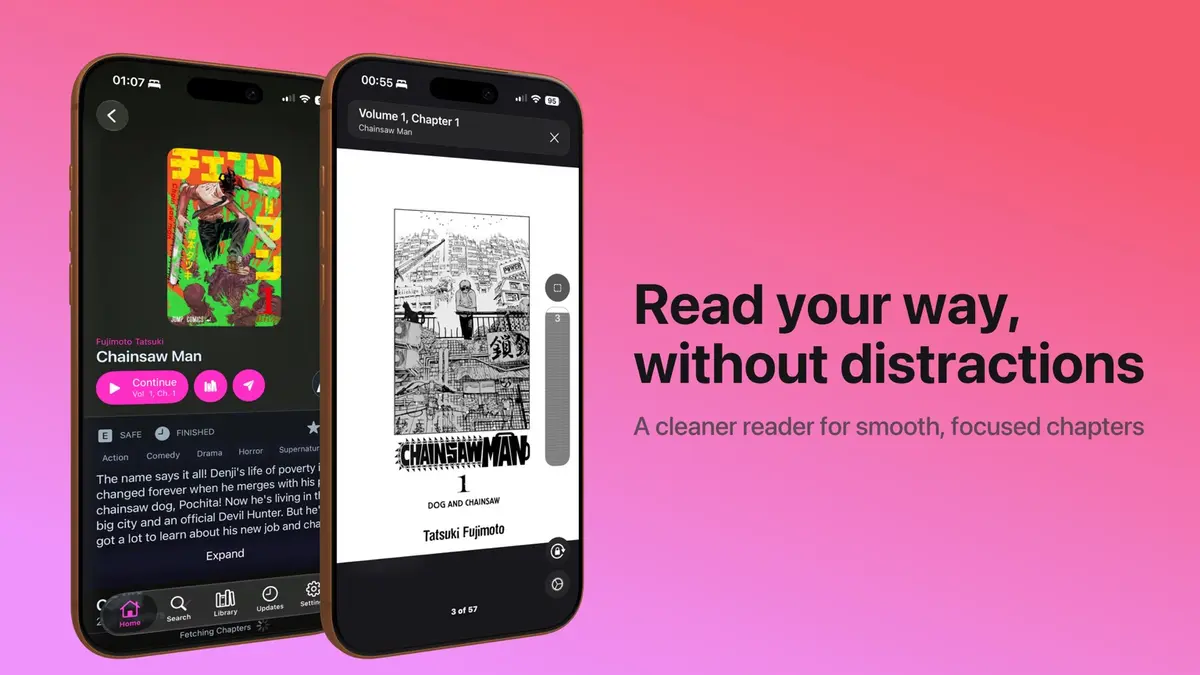
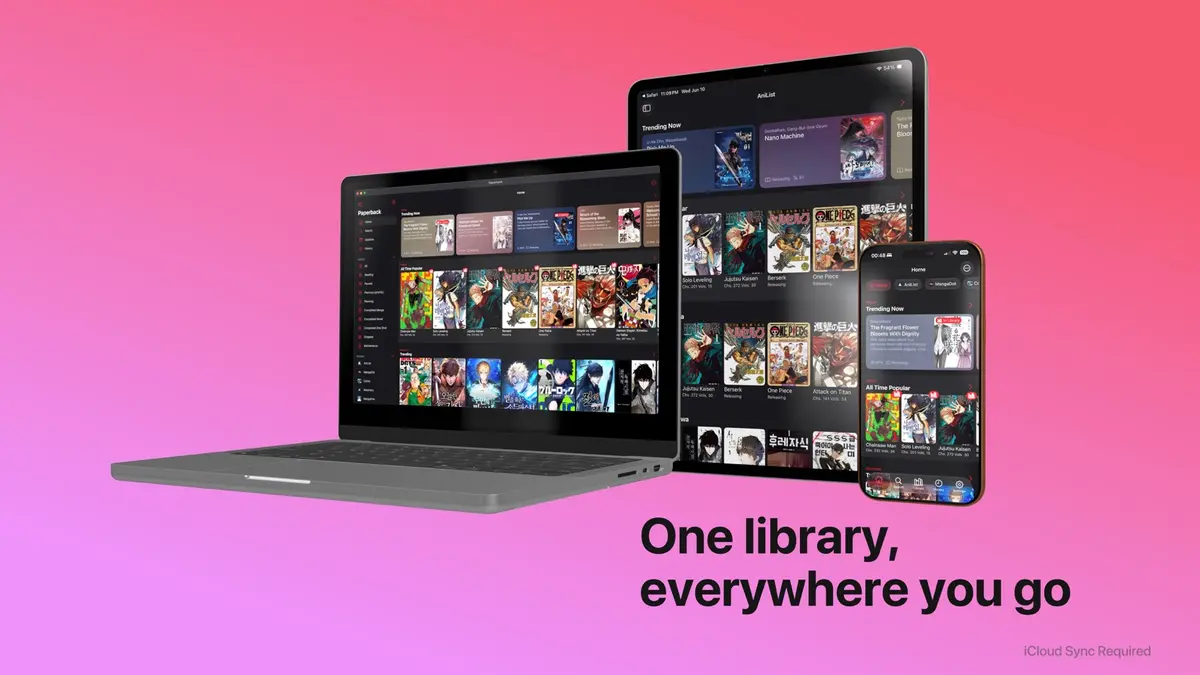
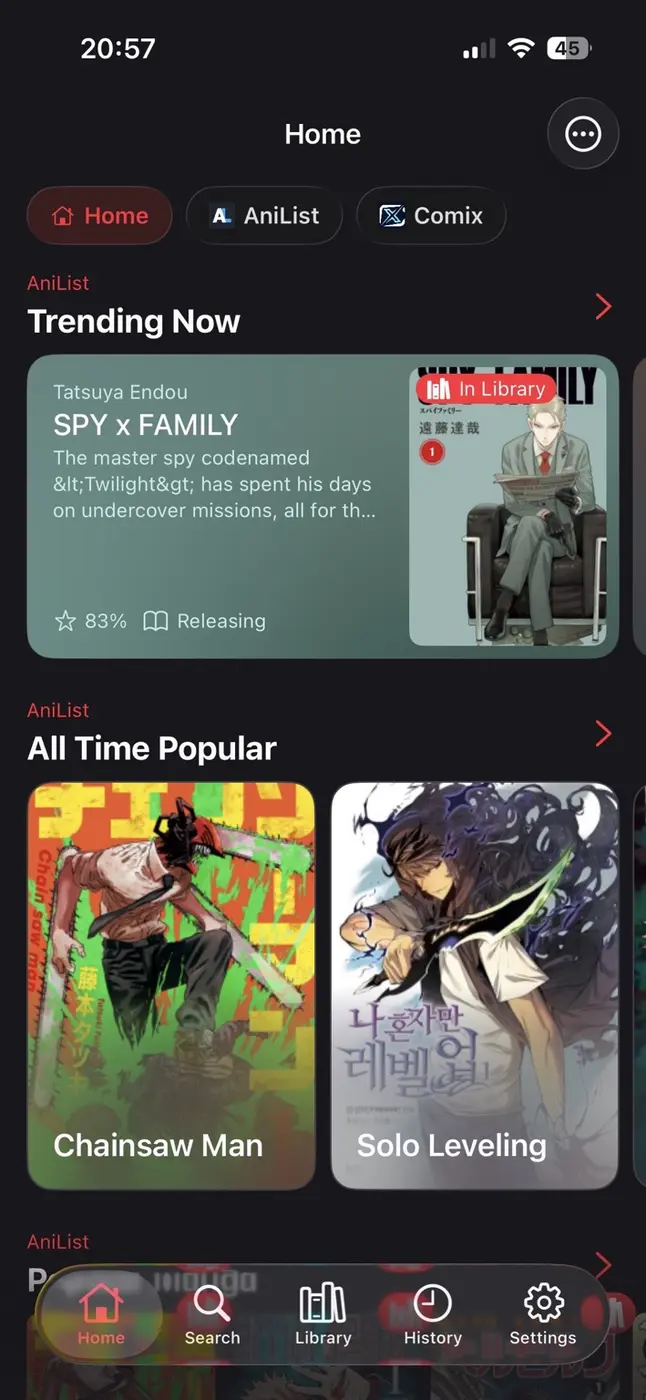
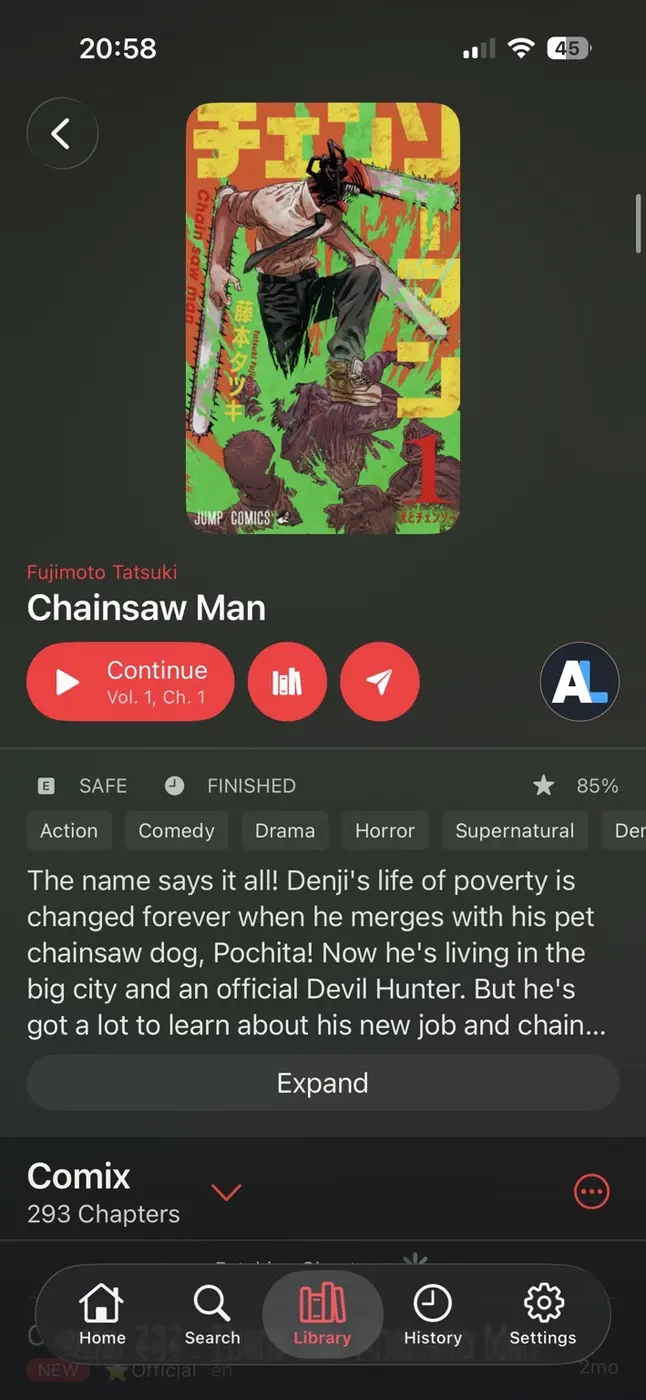
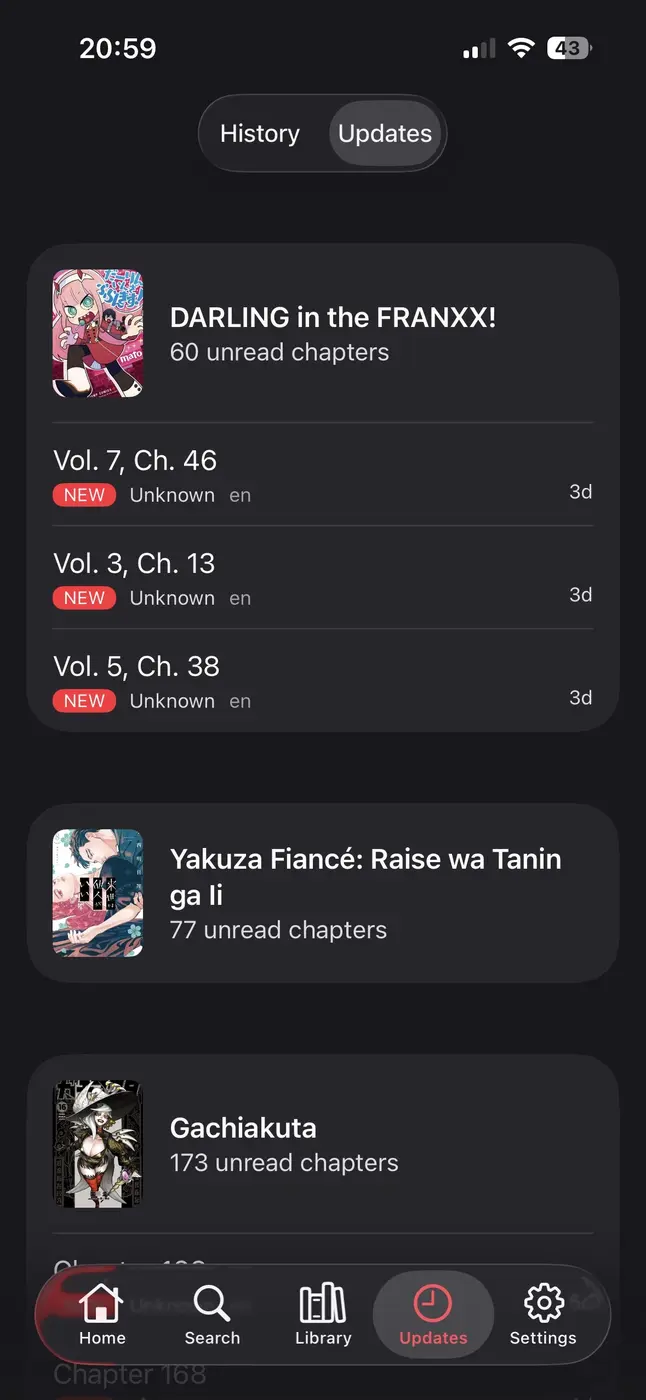
A peek at Paperback 0.9
A cosy little tour of the redesigned browsing, reader, library, and updates experience. 🌸
Changing Content Settings
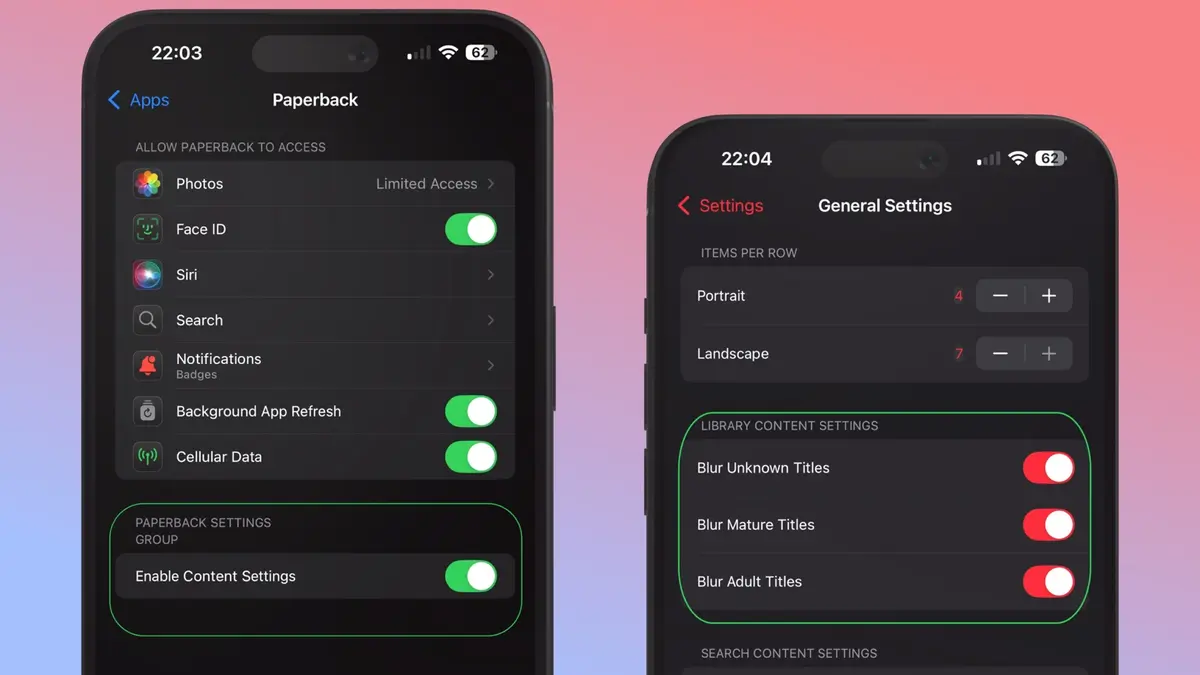
Paperback may hide titles or extensions according to your content permissions. If something expected is missing, update both the iOS permission and Paperback's filtering preferences:
- Open the iOS Settings app.
- Scroll down and select Apps.
- Select Paperback.
- Enable Enable Content Settings.
- Open Paperback, then go to Settings → General Settings.
- Choose the level you prefer: Restricted, Mature, or Adult.
Notes
- Choosing Adult in the access portal lets you decide what appears in the app under Settings → General → Content Filtering.
- The portal setting also controls repository installation. Mature blocks repositories containing Adult extensions, while Restricted blocks repositories containing Mature or Adult extensions.
FAQtap to open
- Is there a cooldown?
- Yes. You must wait six hours between invitation attempts.
- I entered the wrong email. What now?
- Wait six hours, then submit another invitation request with the correct email.
- Why did the invitation button fail?
- Make sure your Discord username contains only letters and numbers.
- Why can't I type in
💙・supporter-chat? - You may not have the required role yet. Recheck the invitation steps above.
- I didn't receive my invitation.
- Review the guide above, then ask for help in
#supporton the Paperback Discord. - I didn't receive my supporter role.
- Connect your Patreon membership to Discord in your Patreon app settings.
Invitation FAQ information is credited to the official Paperback website.